
This is the download page and manual for the app that renders recordings of your performances made in Actors Game.
Prerequisities
- You must purchase Actors Game on the Meta Quest Store.
- You need a PC with Windows.
- You must run both Actors Game and the Actors PC Render App on the same local network.
Step 1
Download Actors PC Render App to your computer (Windows only):
ActorsPCRenderApp_0_0_5.zip
Step 2
Run the Actors PC Render App and note down the IP address and port.
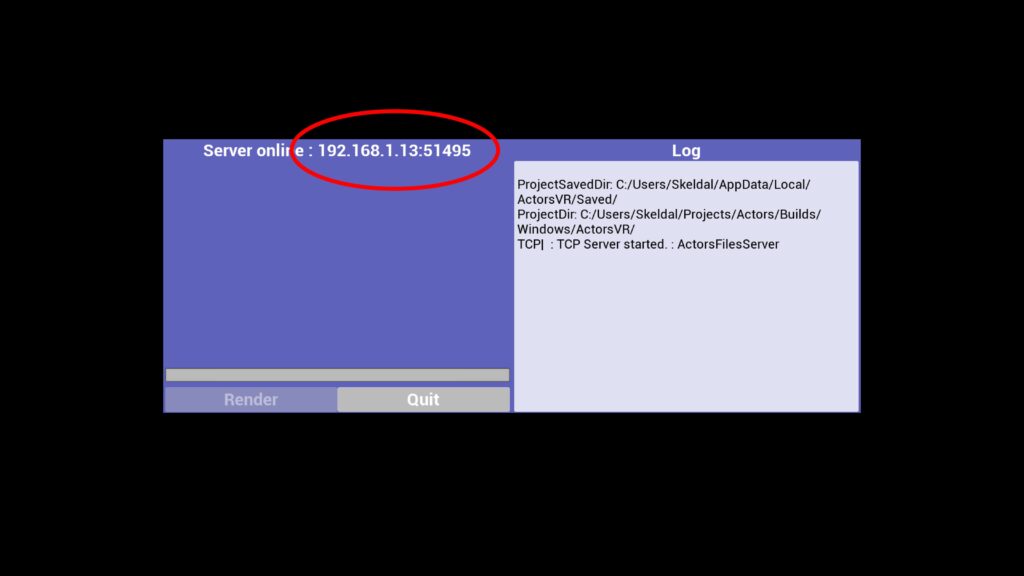
Step 3
Run Actors Game on your Quest, open the Dailies tab, and enter the IP address and port you noted down earlier.
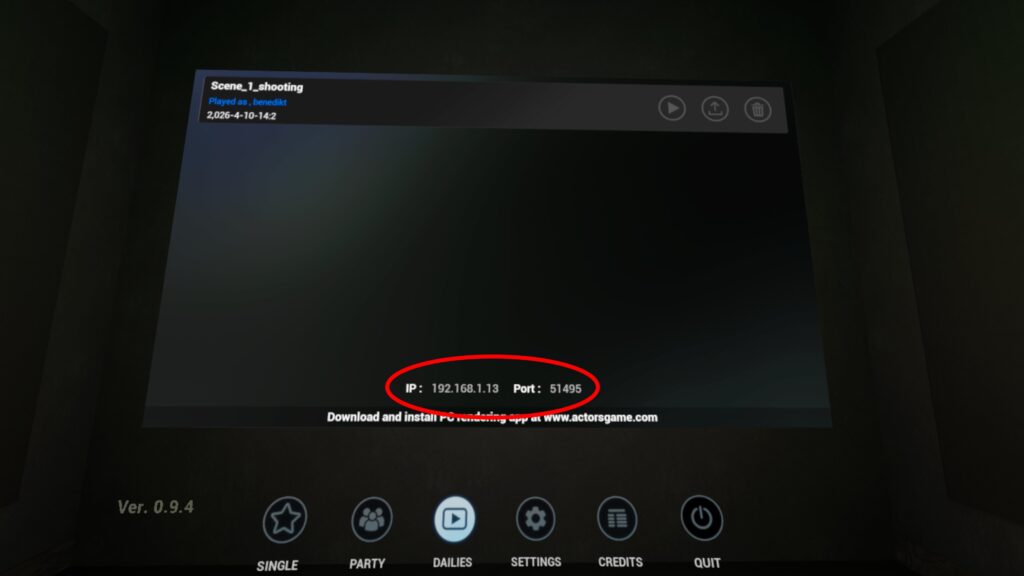
Step 4
Upload the recording of your performance from Actors Game to the Actors PC Render App.
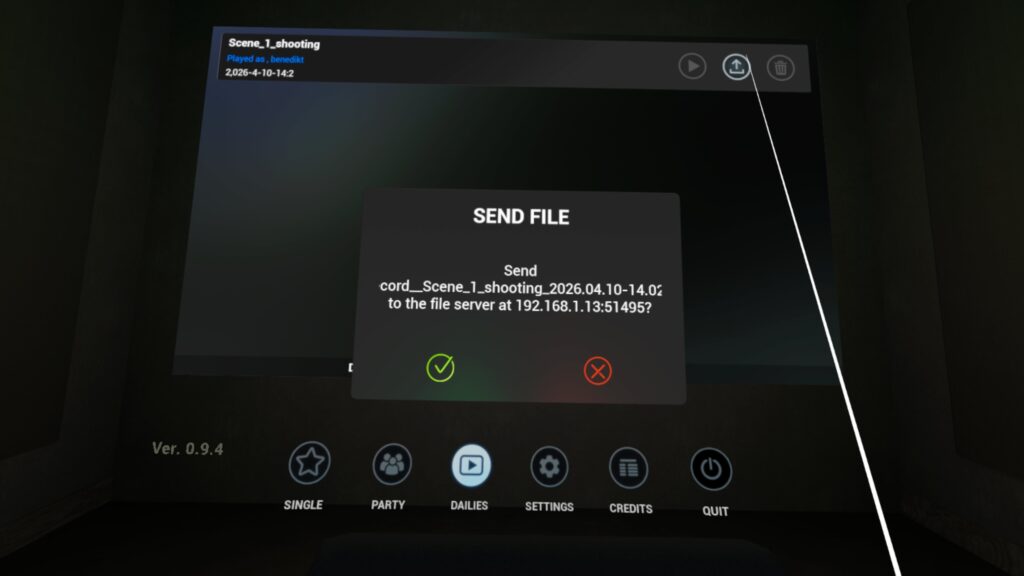
Step 5
Click on the recording in the list that you want to render, and then click the Render button.
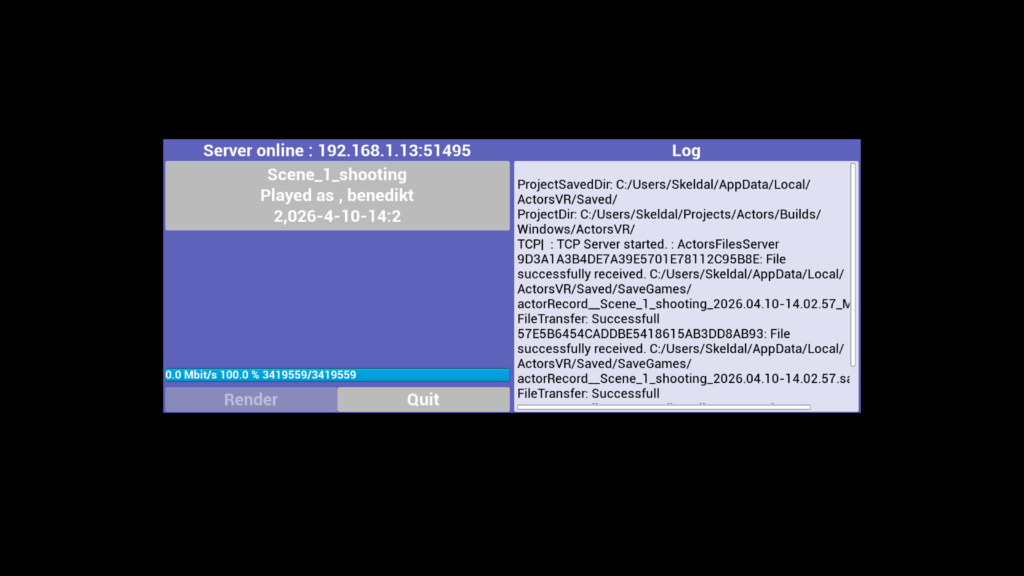
And that’s it! Go to the file location shown in the log and play your video.